Ergonomic Setup Guides
neckyouthir curates actionable blueprints so your home office supports concentration and a well-organized workday from day one.
Chair and Seated Posture
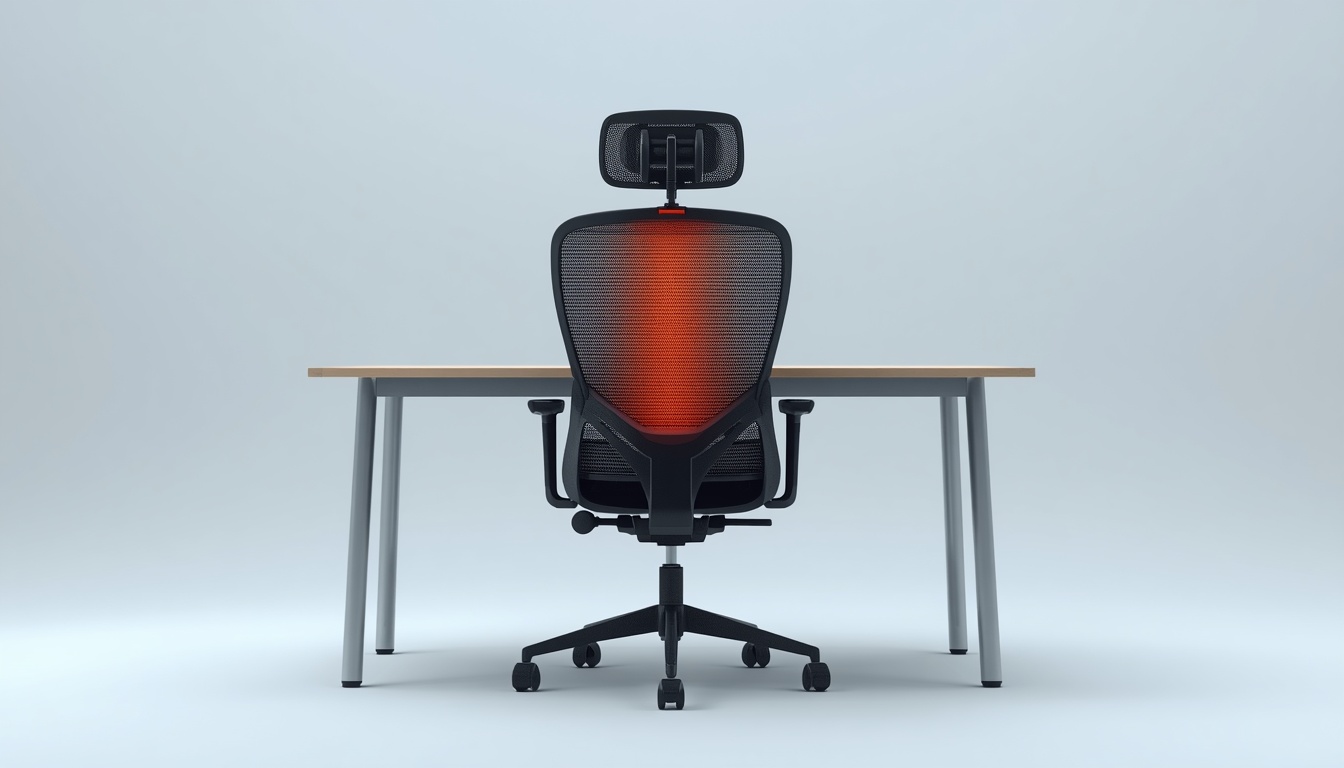
Sit deep in the seat pan, keep hips slightly above knees, and maintain a small gap behind the knees. Neckyouthir recommends testing lumbar support with a rolled towel before investing in accessories.
- Feet flat on floor or footrest
- Shoulders relaxed, not hunched
- Elbows near ninety degrees
Monitor and Laptop Height
Top of the screen should align with or sit slightly below eye level. For dual setups, angle outer monitors inward and keep primary content centered to limit neck rotation.
Get Height Toolkit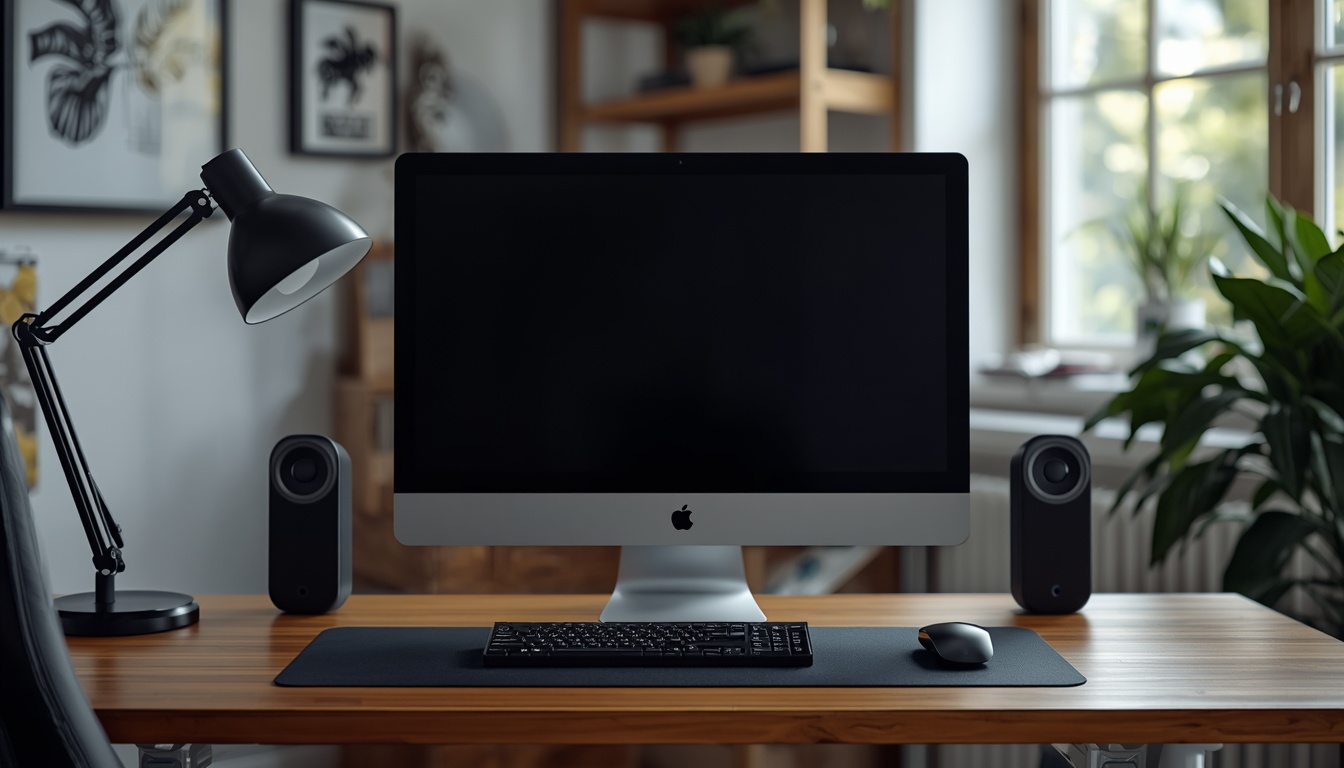
Organize Your Reach Zones
Place keyboard and mouse within forearm reach. Store reference materials to the side and keep drinks off the keyboard tray. neckyouthir.world diagrams help you sketch zones on paper before rearranging furniture.
Micro-Movement Schedule
Stand every thirty to forty-five minutes, roll shoulders, and walk briefly. Pair breaks with hydration to build a sustainable rhythm during long Finnish winter afternoons indoors.
Daylight and Task Lights
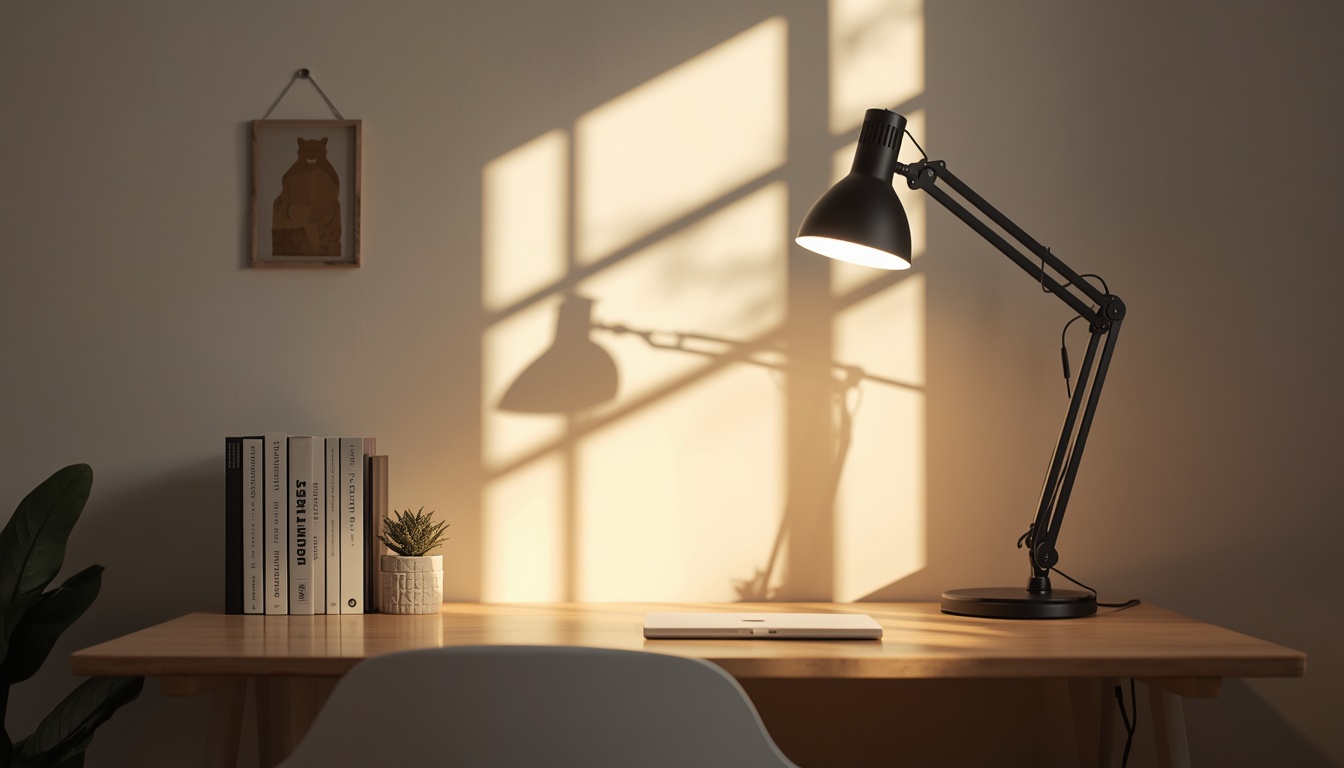
Position your desk perpendicular to windows when possible. Add a warm task lamp to balance cool monitor light. The guides at Neckyouthir include glare tests you can run with your phone camera.
Need Personalized Guidance?
Our Jyväskylä team answers setup questions for apartments, studios, and shared homes.
Contact UsPair Guides With Tools
Explore digital kits that complement these blueprints on the products page.
View Products